
How Marketers Can Evaluate SaaS Promo Codes Without Thin Coupon Pages
In the digital publishing and affiliate marketing landscape, building sustainable audience trust is the ultimate currency. Marketers, digital business operators, and small agency founders constantly audit software-as-a-service (SaaS) platforms to optimize operational overhead. Among these tools, communication suites serve as the primary infrastructure for business operations. Choosing the right system determines how effectively a team handles client outreach, secures files, and collaborates. Google Workspace is a standard choice, providing professional email addresses, shared calendars, and secure cloud storage. However, as teams grow, subscription fees scale accordingly, driving operators to seek cost-saving opportunities like promo codes and referral discounts.
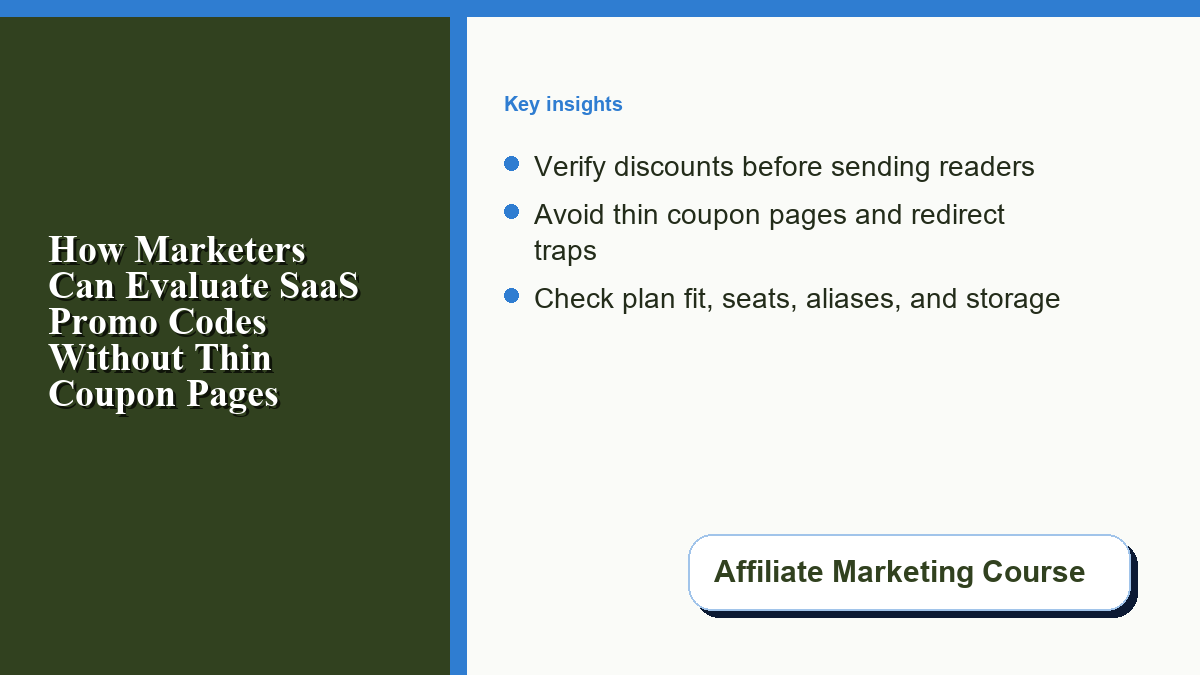
For affiliate marketers recommending these tools, the search for savings presents an editorial challenge. The internet is saturated with low-quality, thin coupon aggregator sites that offer little value. These sites often display expired codes, deploy aggressive tracking scripts, and force users through multiple redirects to capture cookie data. For professional marketers, redirecting readers to these low-trust environments degrades user experience and damages brand authority. Instead, digital publishers must learn to evaluate SaaS promotions responsibly, providing clear, actionable verification steps. A publisher already using affiliate marketing tracking tools should apply the same attribution discipline to coupon recommendations: verify the offer, explain the limits, and avoid burying the reader in redirects. By focusing on genuine diligence, operators can manage their software budget effectively while maintaining a high standard of security and transparency.
Understanding Google Workspace Licensing and Real Business Needs
Before searching for promotional codes, business owners must evaluate their active operational needs to avoid over-provisioning. Software overhead directly affects profitability, cash planning, and the overall valuation of an online business, which is why disciplined affiliate marketing budget allocation should include recurring SaaS tools. During due diligence audits, prospective buyers look closely at recurring software licensing fees as part of operational expense evaluations. Every unnecessary seat on a corporate account directly reduces operating margins.
Google Workspace pricing lists several business tiers, including Business Starter, Business Standard, and Business Plus. Selecting the appropriate tier depends on concrete technical and operational requirements rather than promotional appeal:
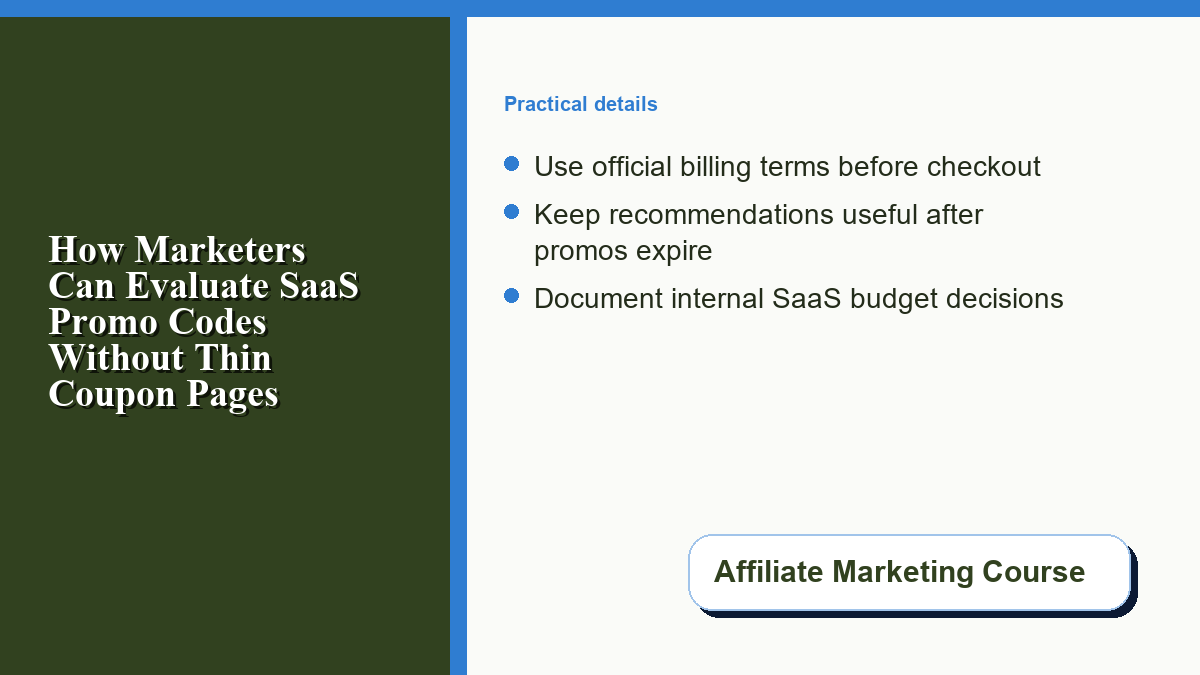
- Audit True Seat Counts: Every individual user license incurs a recurring monthly fee. Organizations often purchase separate licenses for shared roles, such as [email protected], [email protected], or [email protected]. Instead of buying individual licenses for these functions, administrators can set up free email aliases or Google Groups. This allows the primary user to monitor multiple incoming streams from a single paid license, significantly reducing overhead.
- Evaluate Storage Requirements: Business Starter provides 30 GB of cloud storage per user, which is shared between Gmail and Google Drive. For teams handling large media assets, video files, or database backups, Business Standard (offering 2 TB per user with shared drives) is more appropriate. Assessing file size volume before checkout prevents teams from paying for premium storage tiers they do not require.
- Analyze Administrative and Security Controls: Advanced compliance features, such as Google Vault for information governance and eDiscovery, are restricted to higher tiers. If a business operates in a highly regulated sector like healthcare or finance, these compliance tools are mandatory. For standard digital marketing agencies, the security controls available in Starter or Standard are usually sufficient.
Evaluating SaaS Promo Codes and Referral Discounts Safely
Once a business determines its required tier and seat count, the next step is applying valid discounts during registration. Google runs a referral program that lets eligible participants share referral links and promotion codes. The official Google Workspace referral FAQ says a promotion code can provide a per-user discount for the first year for eligible new referrals, subject to the program terms and region. That type of discount can provide meaningful savings for startups and creator-operators during their first year of growth.
However, finding these discounts safely requires diligence. Many online platforms list fake, expired, or generic codes simply to capture search traffic and drop affiliate cookies. These low-quality directories often require users to download browser extensions that track browsing history or submit personal email addresses to unlock codes. For safety-conscious digital operators, avoiding these databases is critical for maintaining corporate data privacy.
To audit promotional offers safely, operators should rely on clean, text-based partner pages. When looking for valid codes, referring to a verified DMWD Google Workspace promo code page allows developers and business managers to view active codes without exposure to tracking scripts or pop-up redirects. These clean partner lists display codes in plain text, categorized by region and plan type, ensuring a transparent selection process.
Verifying Promo Codes During Checkout
To ensure a promotion is applied correctly and safely, administrators should follow a structured checkout process:
- Use an Isolated Browser Window: Open an incognito or private browsing window before starting the signup process. This prevents cached cookies or third-party browser extensions from interfering with the billing console or redirecting the session.
- Select the Correct Plan Tier: During checkout, ensure the chosen tier, license count, country, and account type match the promotion terms. Some promotion codes restrict the number of user licenses or accounts, or require a minimum monthly bill, so the cart should be treated as the final eligibility check.
- Input Code Prior to Payment Details: Google’s promotion-code billing guidance says administrators can enter a code during billing setup and review the terms shown in the order flow. Administrators should copy a fresh code from their trusted source and enter it before finalizing payment. If the order does not meet the promotion terms, the checkout flow should display a message. Verify the discount and terms are visible in the cart before finalizing payment.
Maintaining Long-Term Value Beyond Promotional Periods
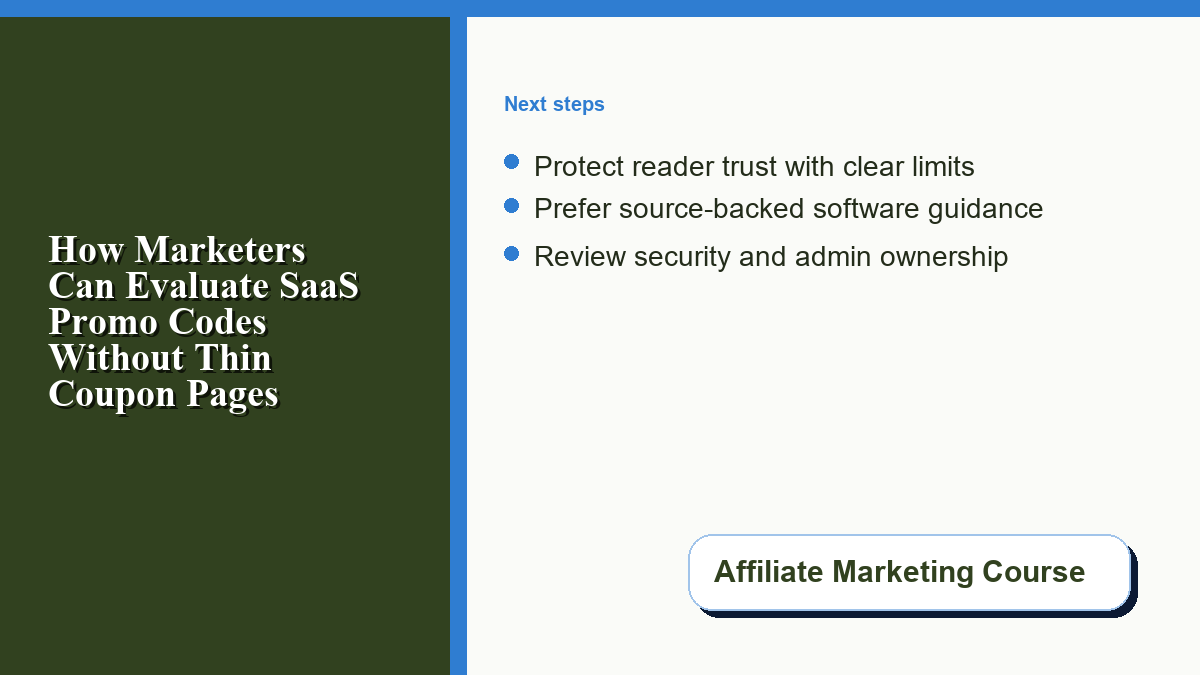
While promotional discounts help reduce initial setup costs, they eventually expire. In the case of Google Workspace referral codes, first-year referral discounts are temporary, after which billing reverts to the then-current plan terms. Therefore, content publishers recommending these platforms must provide value that extends beyond temporary discounts.
To write high-quality software evaluations, authors should focus on configuration best practices that deliver long-term utility. Guides should explain how to set up crucial domain security records like SPF, DKIM, and DMARC. These records verify the authenticity of outgoing emails, preventing corporate communications from landing in spam folders. Providing tutorials on domain aliases, mobile device management, and secure file sharing ensures that the article remains an essential resource for readers long after their promotional discounts have expired. Focus on operational clarity and step-by-step guidance to build an article that remains valuable regardless of active promotions.

0 Comments