
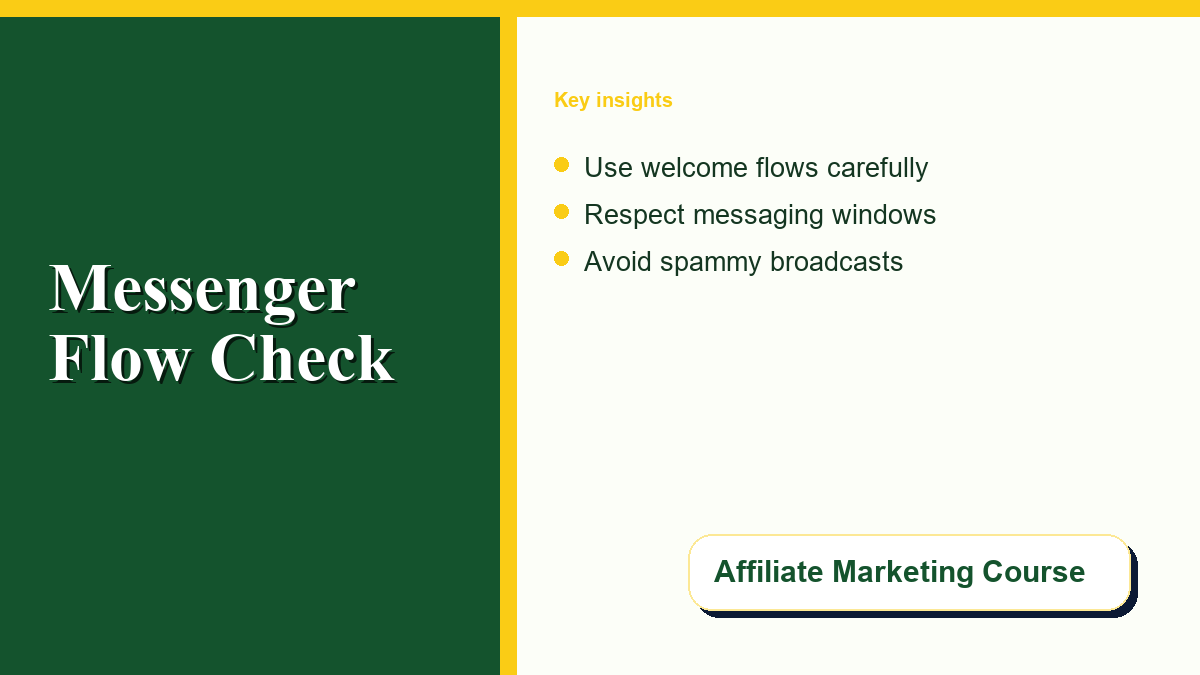
Automating client communication on social platforms is a powerful way to scale operations, but doing it incorrectly can quickly destroy reader trust. Setting up a manychat messenger system can streamline subscriber interactions, but creators should prioritize user consent and platform compliance above all else to avoid account problems.
For affiliate marketers, creators, and course sellers, automated messaging tools deliver resources instantly. When someone comments on a social post, a bot can send the promised template or webinar link directly to their inbox. However, the boundary between helpful delivery and intrusive spam is thin. If sequences feel like unsolicited marketing blasts, subscribers will report your page, causing platforms to flag your account. A successful strategy focuses on transparency and consent to build trust while staying compliant in 2026.
Understanding the Rules: The 24-Hour Messaging Window
To build a sustainable messaging strategy, start by aligning with the rules set by platform owners. For Facebook Messenger and Instagram, the cornerstone of business messaging is the 24-hour window. This rule means that when a user interacts with your page–whether they send a direct message, click a ‘Get Started’ button, or reply to a post comment–they open a 24-hour window. Within this active timeframe, your business page is permitted to send automated messages, including promotional offers.
Once those 24 hours expire, the rules change completely. Meta restricts messages to protect users from receiving endless, unsolicited marketing content. Senders should check the official guidelines on Meta Platform Policy to understand their compliance obligations. For a practical breakdown of how this timeframe operates in practice, ManyChat provides a detailed article on understanding messaging windows. Senders should verify these policies regularly, as rules can change.
If you need to reach a subscriber after the window closes, you can send messages using approved message tags or One-Time Notifications (OTN). However, message tags are limited policy tools, not a bypass for routine promotions. Meta provides tags for specific use cases like event updates, post-purchase updates, account updates, and human agent responses. Misusing tags for promotional blasts will likely lead to account suspension. Senders should read Meta’s official documentation on message tag usages and ManyChat’s guide on sending messages outside the windows before configuring flows.
The Anatomy of a High-Trust Messenger Automation Workflow
Building a high-converting automated flow requires a deliberate approach that prioritizes the user’s experience. If you are promoting courses or resources on your Affiliate Marketing Course platform, your primary goal should be to build a responsive, trusting audience. A trust-first automation workflow generally follows this structure:
- 1. Transparent Opt-In: The sequence should only trigger when a user takes a clear, conscious action. Do not use deceptive tricks to subscribe people.
- 2. Delivering the Promise: The first automated message should deliver the exact lead magnet or resource requested. Keep it concise.
- 3. Explicit Consent: Ask the user if they would like to receive additional training or updates, providing clear ‘Yes’ and ‘No’ choices.
- 4. Dynamic Segmentation: Apply tags in your automation software based on their choices, ensuring they only receive relevant content.
- 5. Value-First Nurture: Before making any pitch, send valuable tips or resources to demonstrate your expertise.
- 6. The Soft Offer: Present affiliate links or course offers as helpful resources that naturally fit their interests.
- 7. Human Handoff: Build an option to speak to a real person. If they ask a complex question, the bot should pause and notify you.
- 8. Simple Unsubscribe: Make opting out easy. Include an unsubscribe button or allow users to reply ‘STOP’ to opt out.
By giving users full control over the conversation, you build an engaged list. This clean list management is essential for maximizing your return on investment. If you are currently optimizing your affiliate marketing budget, nurturing a smaller, highly engaged group of subscribers yields a much higher return than blasting thousands of unengaged contacts who will quickly report your page.
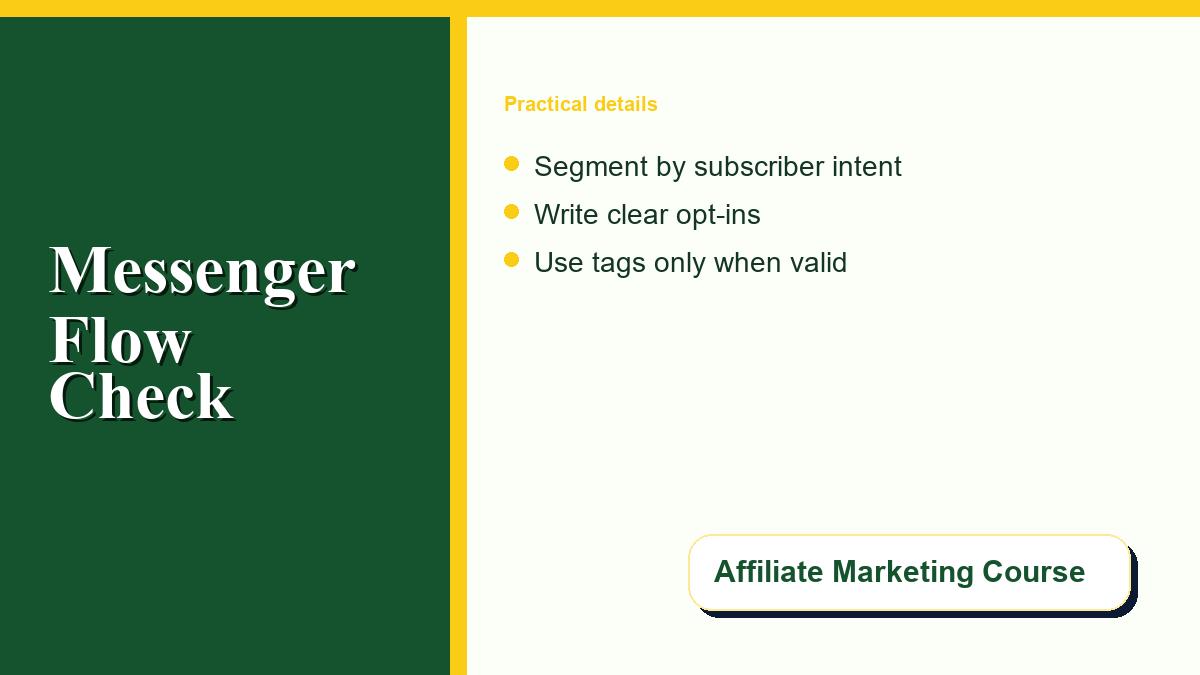
Distinguishing Automation Types: Broadcasts vs. Interactive Flows
To keep your subscribers happy, understand the difference between proactive broadcasts and interactive, user-driven conversations. Sending bulk broadcasts to everyone on your list is a high-risk activity that leads to high unsubscribe rates and spam reports. Instead, design your system around interactive flows where the user’s choices determine the response.
Let’s distinguish the main types of automated communication you can configure:
- Welcome Flows: Triggered when someone first messages your page. They set expectations and explain how to interact with your system.
- Support Replies: Automated responses to frequently asked questions. These solve problems instantly and are highly valued by users.
- Tagged Updates: Non-promotional updates sent outside the 24-hour window using Meta’s official tags (e.g., transactional receipts).
- Webinar Reminders: Automated notifications sent to users who explicitly signed up to receive alerts for an upcoming live session.
- Promotional Broadcasts: Time-sensitive marketing messages sent strictly within the active 24-hour window to users who have interacted with your bot.
To design these flows, you should use standard structural elements. ManyChat offers several Content Block types–including text blocks, image elements, buttons, and user inputs–to keep conversations structured. By presenting choices through buttons, you let the user set the pace of the interaction.
Below is a checklist comparing the different types of automated messages, their allowed windows, and their risk levels:
| Message Type | Allowed Window | Primary Use Case | Compliance Risk Level |
|---|---|---|---|
| Welcome Flow | 24 Hours (User-Initiated) | Introduce your page and deliver resources | Low (Requested by user) |
| Support Reply | 24 Hours (User-Initiated) | Answer basic customer queries automatically | Low (Helpful, non-promotional) |
| Tagged Update | Outside 24 Hours | Deliver purchase receipts or event changes | High (Requires careful Meta tag compliance) |
| Webinar Reminder | Outside 24 Hours (Via Tag/OTN) | Alert users that a live event is starting | Medium (Requires correct tagging) |
| Promotional Broadcast | Within 24 Hours only | Announce new courses, sales, or discounts | Medium (Best for interested users) |
Choosing an Ethical Automation Setup and Avoiding Risky Tools
The tools you choose to run your campaigns play a major role in keeping your messaging account safe. There are many unofficial scripts, Chrome extensions, and rogue software tools that promise to bypass Meta’s API restrictions. Senders should understand that using unofficial tools is incredibly risky. These platforms often use browser automation or scraping, which Meta’s security algorithms can easily identify, resulting in the immediate suspension of your business page.
To protect your brand and assets, choose official, certified partner platforms. Before committing to a solution, it is helpful to research how verified integrations work. Senders can read guides explaining how a facebook messenger bot operates, what features are supported, and how to spot scammers who sell unofficial scripts. Certified partner platforms connect directly to Meta’s developer API, helping your database remain compliant and your business page stay in good standing.
When selecting a platform, look for tools that support built-in compliance controls, such as automatic keyword unsubscribes (e.g., ‘STOP’ or ‘UNSUBSCRIBE’), easy human agent handoffs, and clear messaging window alerts. Senders should verify that their chosen software meets Meta’s compliance standards before launching campaigns in 2026.
Practical Examples of Consent-First Automation
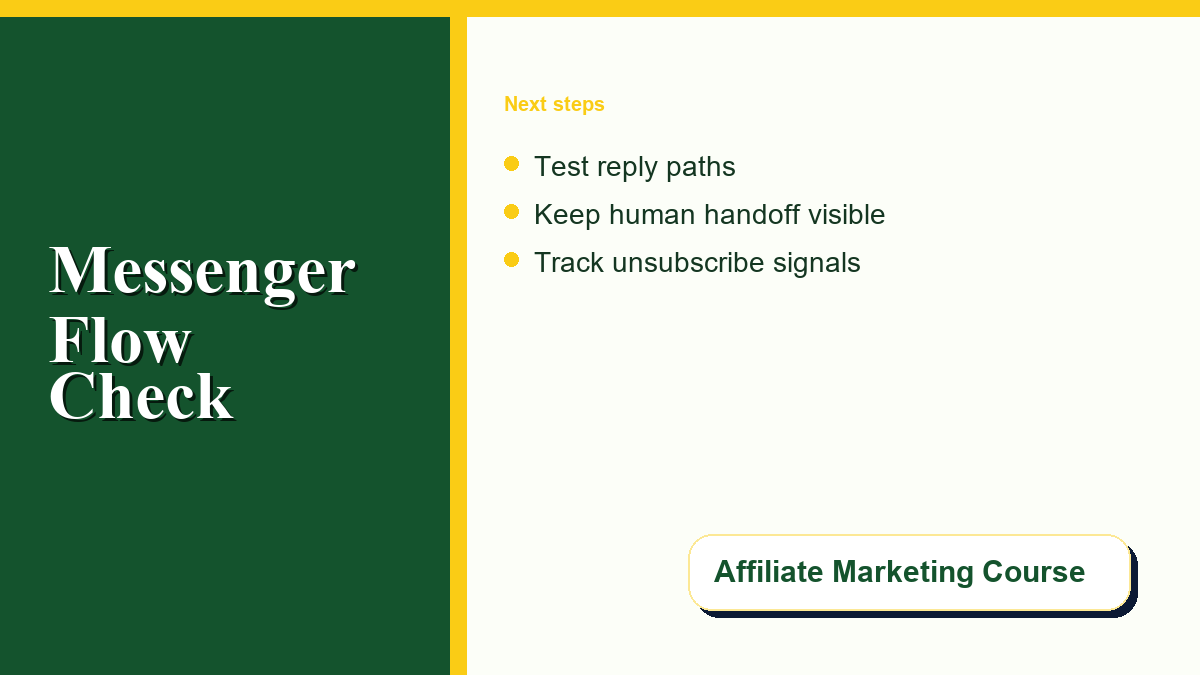
To help you implement these guidelines, let’s look at how to set up practical, consent-first automations. Whether you are running a course launch or using affiliate marketing tracking tools to monitor your clicks and sales, keeping the user in control will lead to better results.
Lead Magnet Delivery
When a user comments a keyword on your post to request a PDF, your bot triggers a message to deliver the download link. To make this consent-first, include a second message asking if they would like to opt-in to receive weekly tips on the same topic. If they select ‘No’, deliver the PDF and do not send any further automated messages. If they select ‘Yes’, tag them in your system as an active subscriber.
Webinar & Event Reminders
Since webinar reminders often need to be sent over several days, they will fall outside the initial 24-hour window. To handle this safely, use Meta’s One-Time Notification (OTN) feature or approved event tags. Reminders should focus on the event itself (e.g., ‘The webinar starts in 15 minutes! Here is your link’). Avoid unrelated affiliate offers or sales pitches in these messages.
Course Launch Announcements
When launching a digital course, only send promotional discounts to users who are within an active 24-hour window. A great way to do this is to send an interactive teaser: ‘We are opening the doors to our new training program tomorrow. Would you like a coupon code when it goes live?’ If the user clicks ‘Yes’, they open a new active window and explicitly consent to receiving the promotional offer.
Post-Purchase Support and Customer Feedback
Once a user purchases a course through your affiliate link, set up automated check-ins. A bot can ask a simple question: ‘How is the setup going? Let me know if you need help.’ If the user replies that they are stuck, the bot should instantly pause and notify a human agent to take over the conversation. This keeps the experience helpful, supportive, and human-centered.

0 Comments